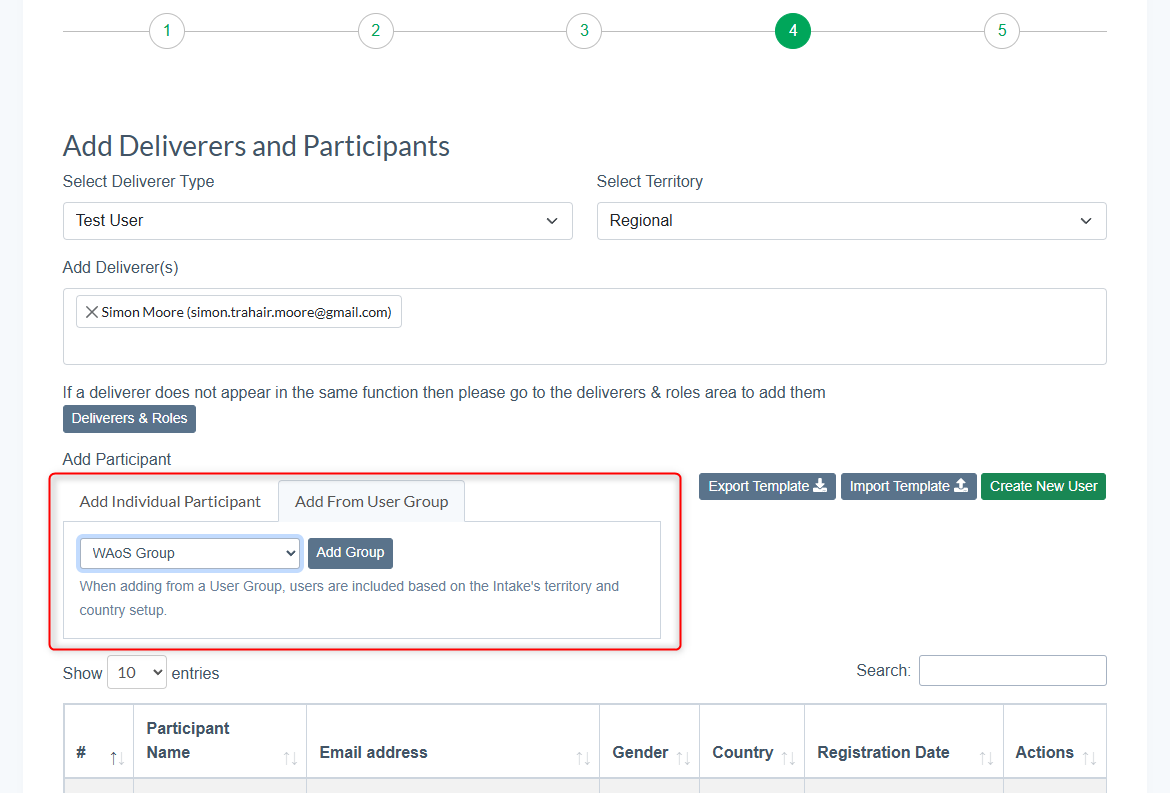
Groups can be used when setting up a course intake. You can add pre made group to the participants list.
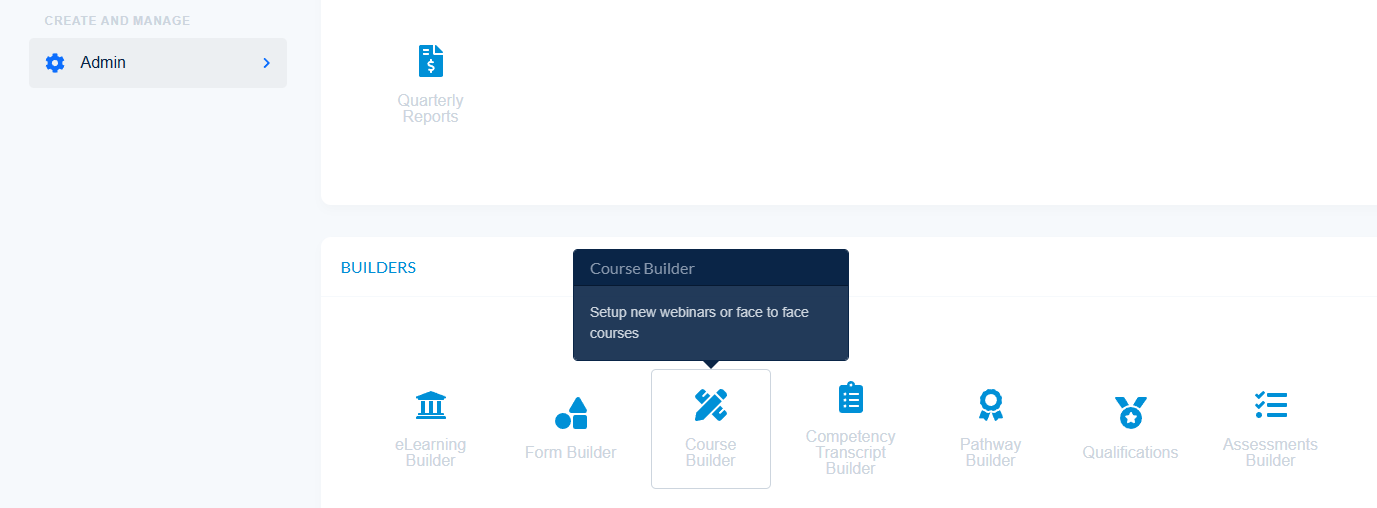
- Navigate to Admin - Course Builder to create a new course intake or to edit an existing one
- In the Add Participant section of the course intake settings select the 'Add From User Group' tab
- Here you can find all previously made User Groups and Add Group to the participant list