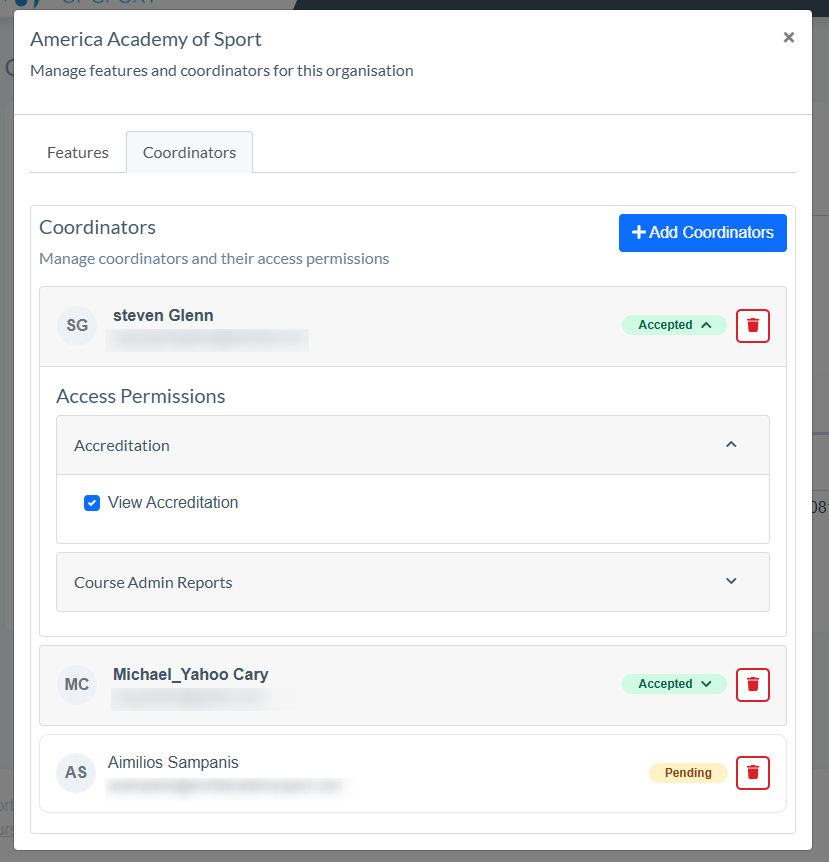
The Organisations hub is an admin tool designed to allow management of organisation features and your coordinators access to these features within an organisation.
Note: Additional features for your organisation can be added upon request.
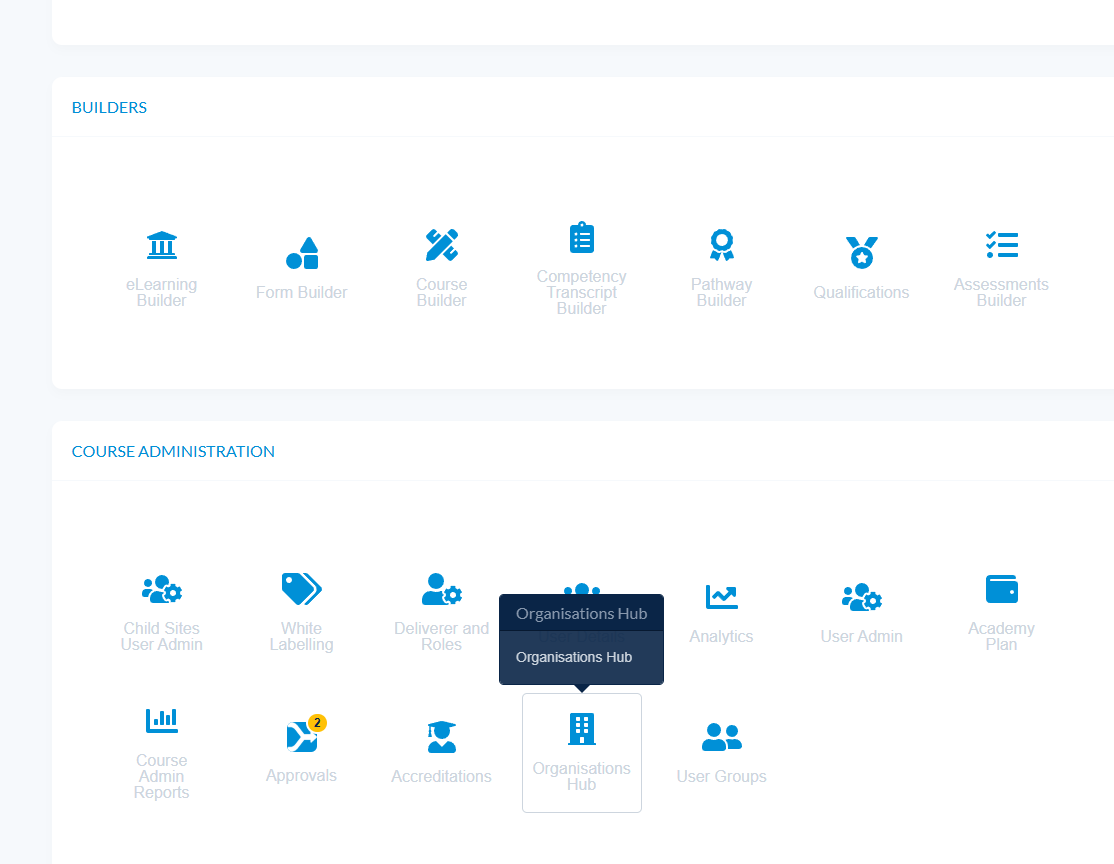
- Navigate to Admin - Course Admin - Organisations Hub
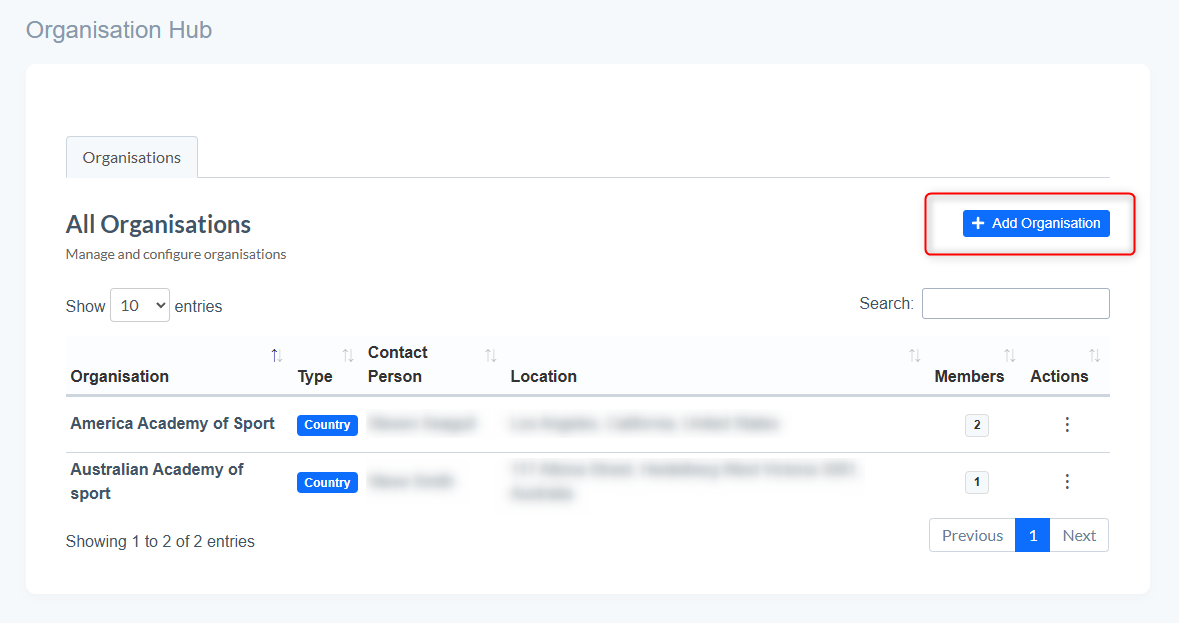
- To setup a new organisation select 'Add Organisation'
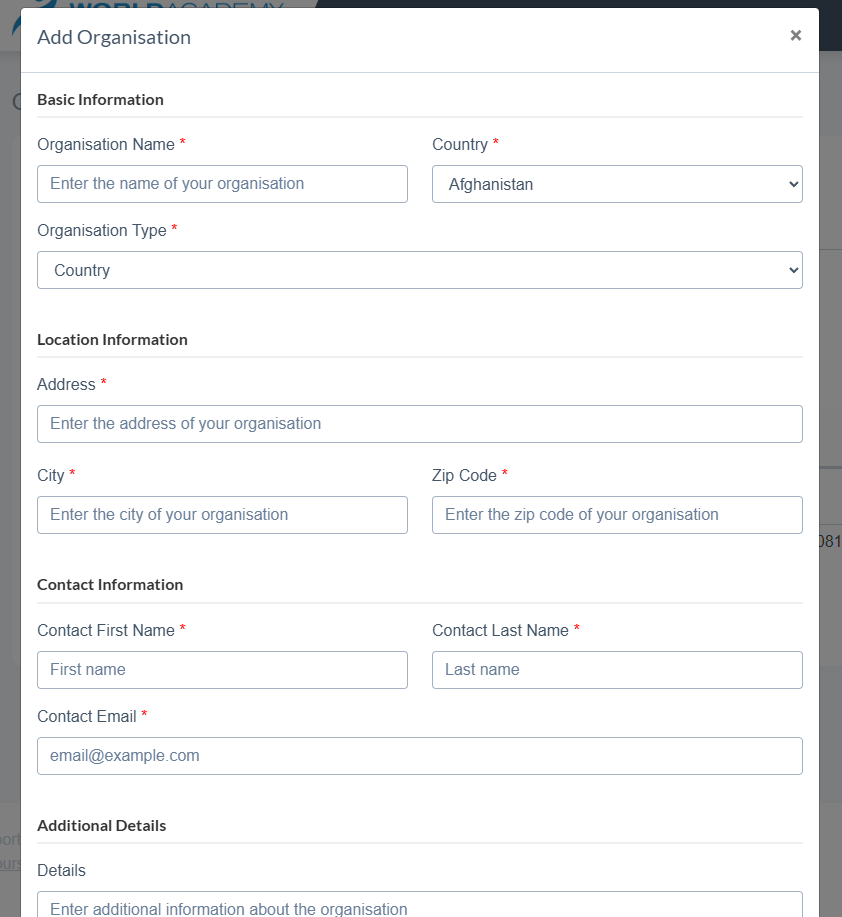
- Fill in all the required information, Including the Type of organisation you want to create.
- These details can be edited later if required.
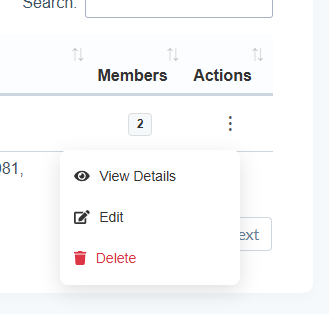
- To configure the organisations Features and Members navigate to 'View Details' in the 'Actions' panel
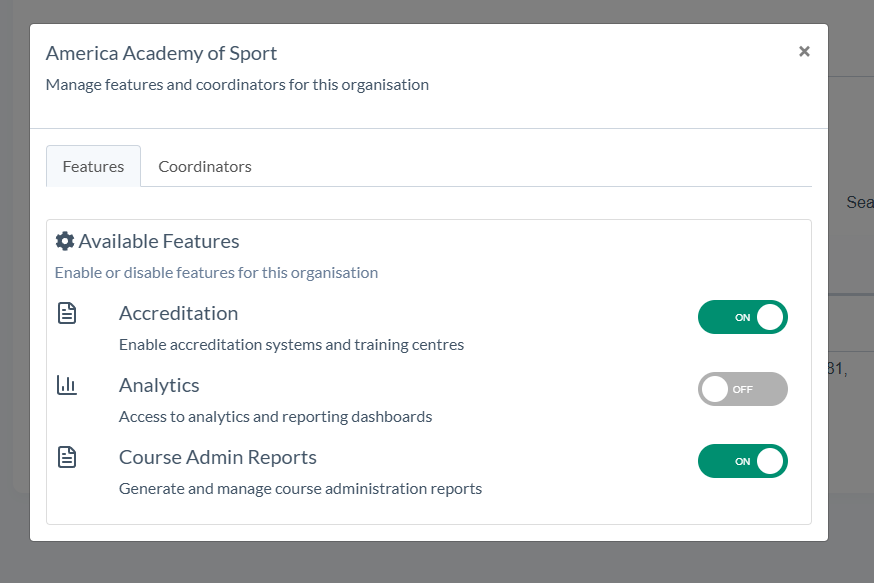
- Enable or disable features for the organisation (additional features can be added upon request)
- Add Coordinators
- An invitation email will be sent to the coordinator with a link to accept and review T&Cs
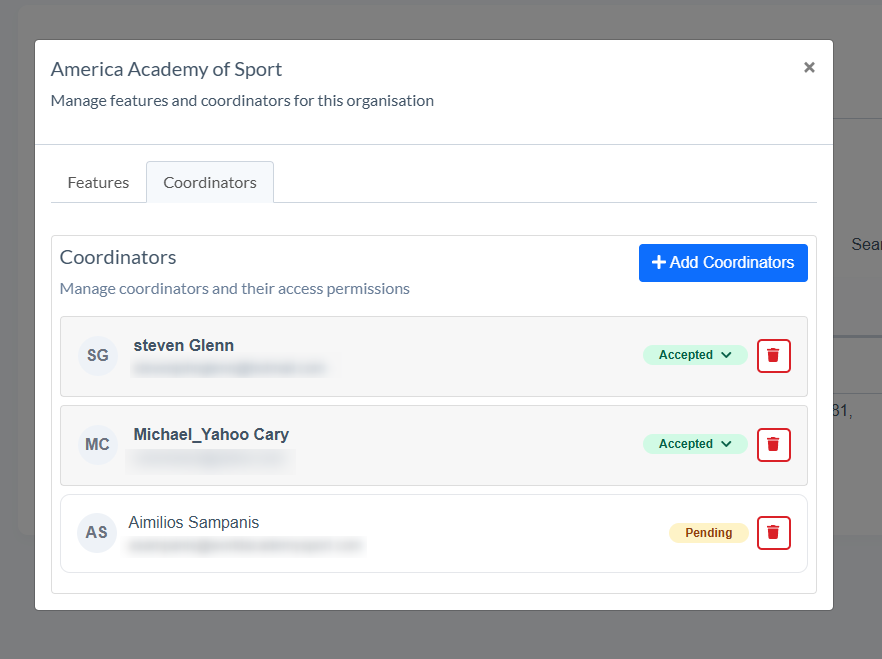
- Manage coordinators and their access permisions to the organisations features